I need a way to check the security of my Chrome extensions and assess their risk factor.
解決ツール CRXcavator
問題
The use of Chrome extensions often involves significant security risks, including data theft, security breaches, and malware. Therefore, there is a large need to analyze these extensions for potential threats. However, this issue is complex as many different aspects, such as permission requests, web store information, content security policy, and third-party libraries, contribute to the risk assessment. Hence, there is a need for a tool like CRXcavator, which is capable of conducting thorough security checks and providing a risk value for each Chrome extension. This allows users to use their Chrome extensions safely and consciously.
スクリーンショット
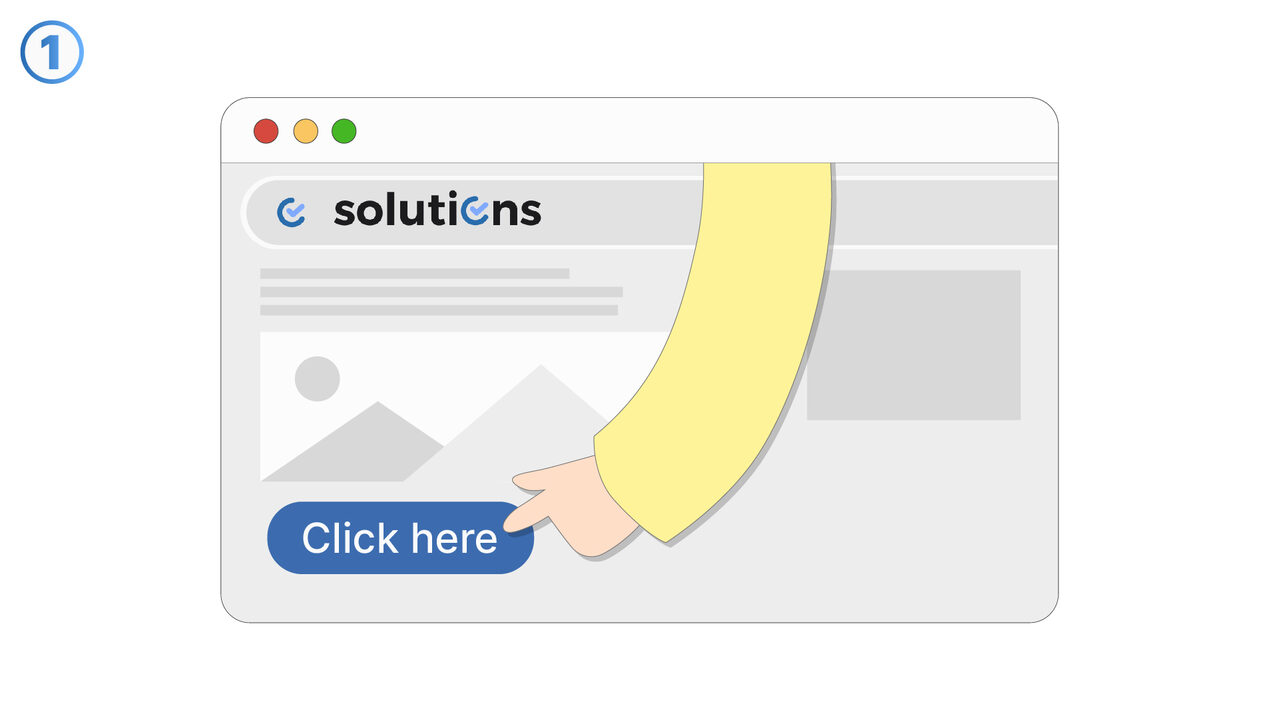
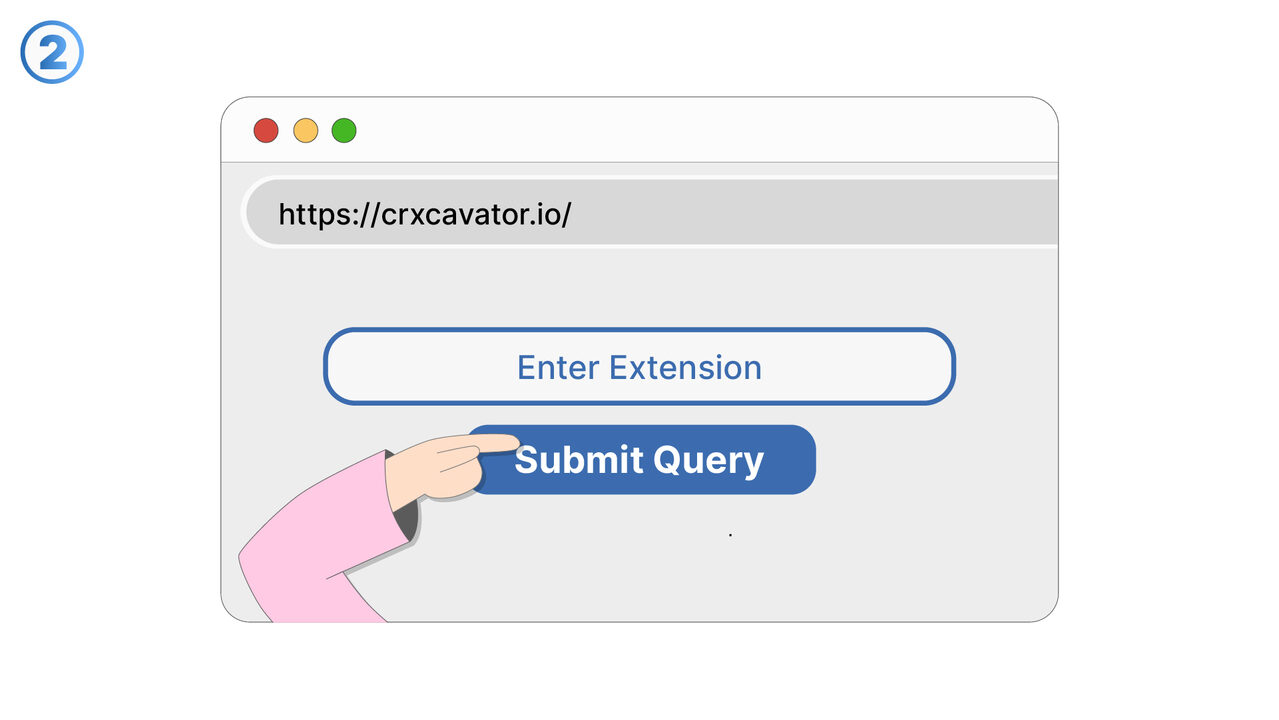
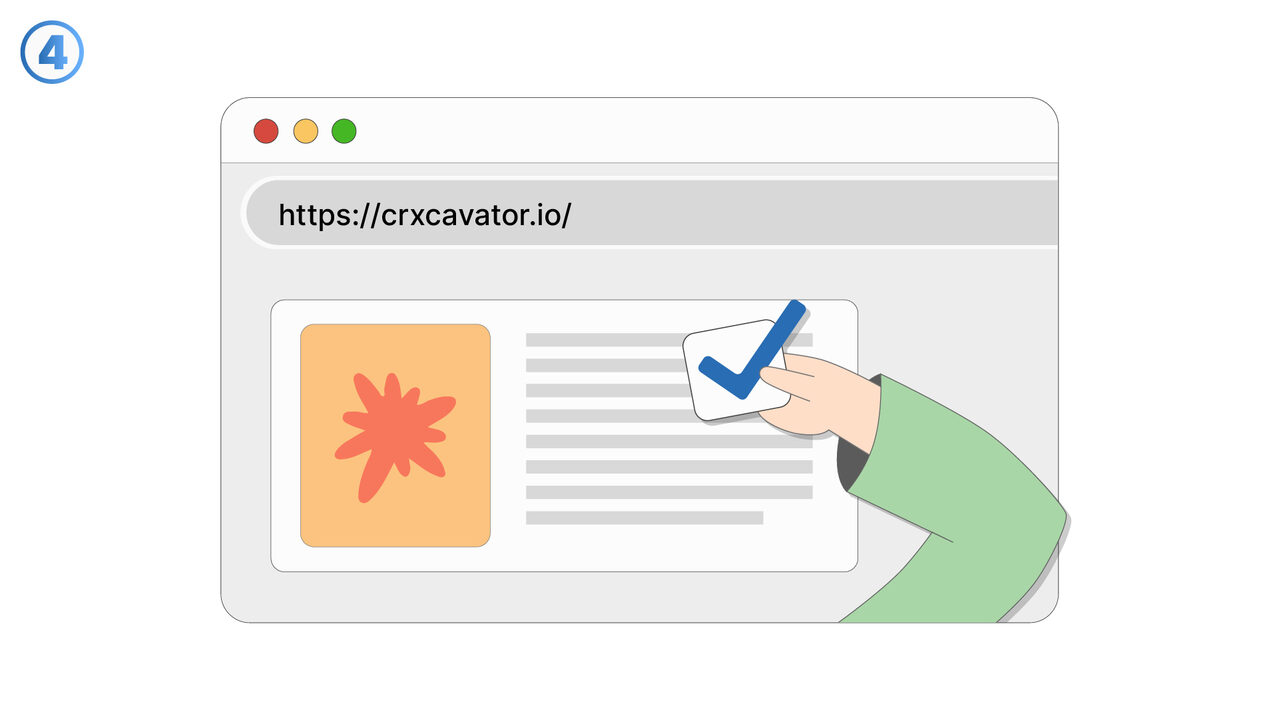
解決策
CRXcavator provides a comprehensive solution for this security concern by enabling a detailed analysis of Chrome extensions and the associated risks. By accessing various sources of information such as permission requests, webstore information, content security policies, and third-party libraries, the tool can conduct a thorough security check of each Chrome extension. It assesses the overall risk and provides a risk value, helping the user understand the potential risk of an extension. Users can see at a glance which of their installed extensions pose a potential security risk with detailed reports on threats. This allows for conscious use of Chrome extensions and helps to make the browsing experience safer. With CRXcavator, users can identify and avoid hidden threats that may be associated with the use of Chrome extensions. Thus, CRXcavator reduces the risk of data theft, security breaches, and malware that can be caused by insecure Chrome extensions.
外部リソース
https://crxcavator.io/
以下の問題の解決策としてこのツールをご活用ください
- I need a method for analyzing my Chrome extensions for possible security risks and threats.
- I need to analyze the web store data that is linked with my Chrome extensions for security risks.
- I am having trouble understanding the permission requirements of Chrome extensions and assessing them in terms of security risks.
- I need a solution to check my Chrome extensions for insecure third-party libraries.
- I need a way to evaluate the security of my Chrome extensions and identify hidden threats.
- I need a way to analyze and assess the security risks of my Chrome extensions.
- I need a way to check Chrome extensions for hidden threats like data theft.
- I need a tool for analysis and assessment of security risks in Chrome extensions.
- I require a method to analyze the security of my installed Chrome extensions and to identify potential security risks.
より良い解決策をご存知ですか? お知らせください。
まだ取り上げていない問題を解決できるツールやアプローチをご存知でしたら、ぜひお知らせください。