
問題
この機能は、インタラクティブな要素を拒否するシステム向けに、互換性のある非インタラクティブなPDFを作成するのに役立ちます。コンテンツの読みやすさを維持しながら、インタラクティブなコンポーネントを変換または削除することで、ドキュメントが確実に受け入れられるようにします。
スクリーンショット
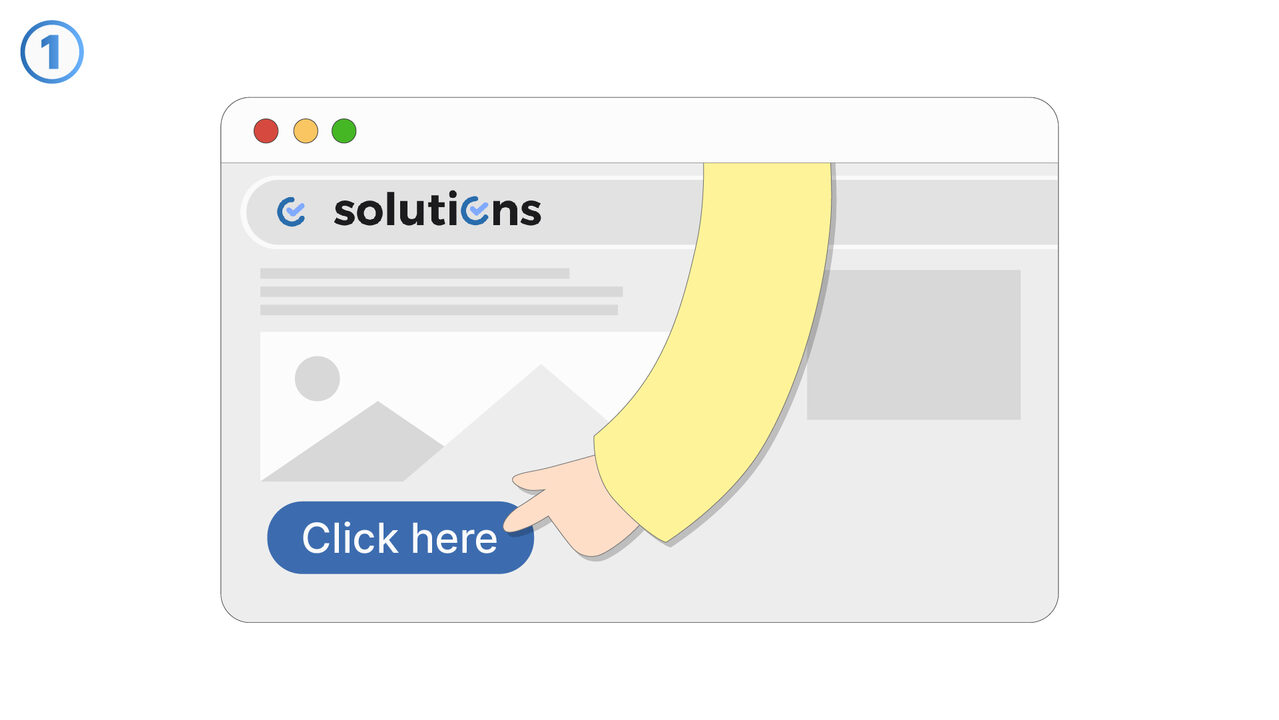
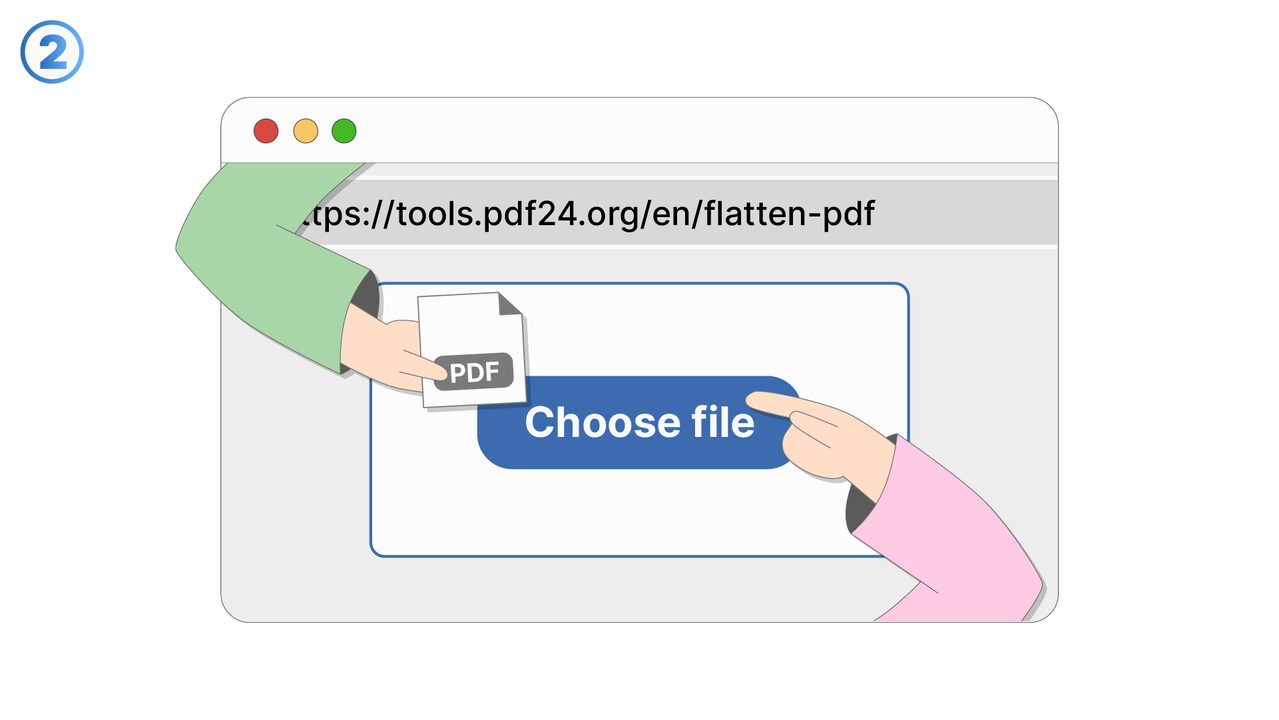
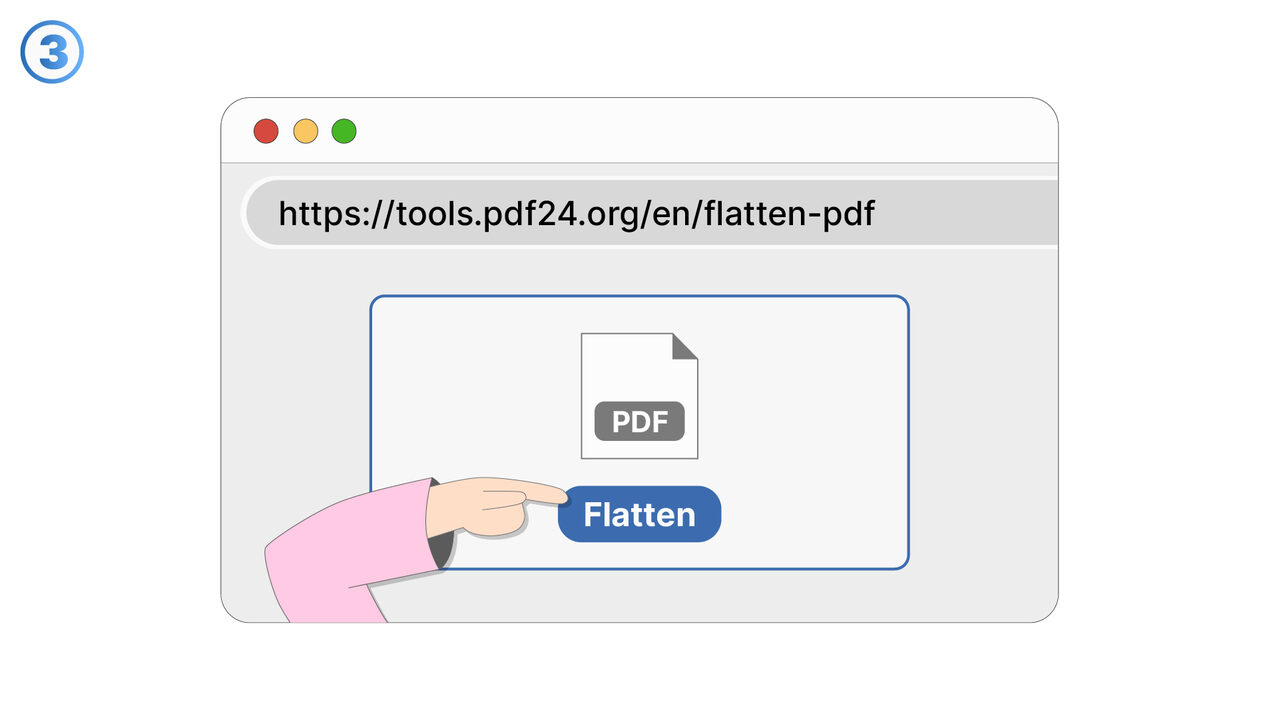
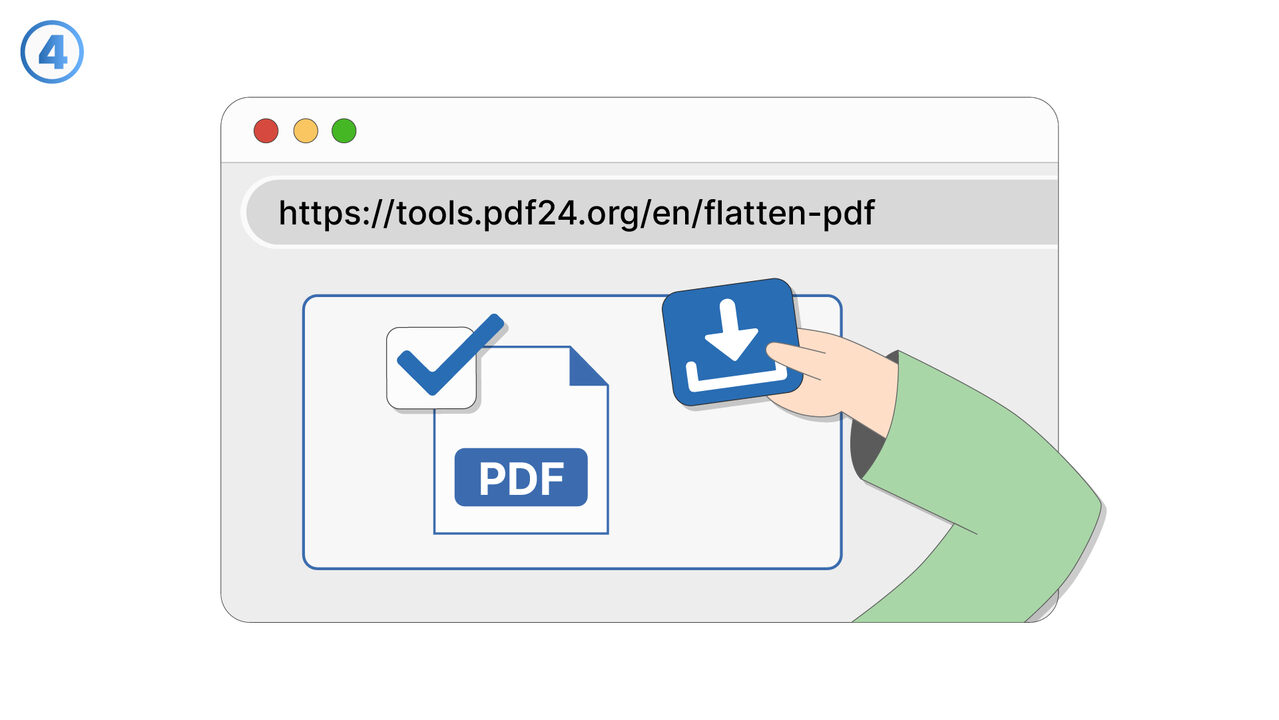
試してみる
解決策
一部の提出ポータルやドキュメント処理システムでは、フォームフィールド、埋め込みメディア、スクリプト、動的要素などのインタラクティブなコンテンツを含むPDFが拒否されることがあります。この機能は、厳格なアップロード要件を満たす可能性が高い、互換性のある非インタラクティブなPDFバージョンを作成します。まず、提出予定のPDFを選択し、フラット化または非インタラクティブな出力を生成するオプションを選択します。インタラクティブな要素は削除されるか静的なコンテンツに変換されるため、ドキュメントは開いたり処理されたりする際に標準的なPDFとして動作します。生成されたファイルは、セキュリティや一貫性の理由からインタラクティブな機能をブロックし、基本的なPDFのみを許可するシステムで受け入れられることを目的としています。これは、求職活動、政府や法的な提出物、学術ポータル、経費精算システム、ベンダー登録ツールなどで役立ちます。この機能は、レイアウトとテキストの読みやすさを維持しながら互換性に重点を置いています。また、PDFの検証ルールによって引き起こされる直前の提出失敗のリスクも軽減します。ポータルのエラーメッセージに「インタラクティブPDF」、「XFAフォーム」、「JavaScript」などの制限が記載されており、より安全なアップロード用バージョンが必要な場合は、いつでもこの機能を使用してください。
外部リソース
https://cross-service-solutions.com/
以下の問題の解決策としてこのツールをご活用ください
- PDFを送信したいのですが、受信者にフォームフィールドの編集やコンテンツの変更をさせたくありません。
- PDFビューアによって表示結果が異なり、どの環境でも同じように見えるようにしたい。
- スクリプトやアクティブ要素が含まれエラーが発生するPDFを、共有に適した安定したバージョンに変換します。
- 最終版をクライアントに配布する前に、注釈やマークアップを削除したい。
- 予期せぬポップアップ、フィールドのハイライト、ビューア固有の動作なしで確実に印刷できるPDFが必要です。
- ドキュメントをアーカイブする際、時間の経過やソフトウェアのアップデートに関わらず、固定された表現を維持したい。
- 記入および承認が完了したフォームの誤編集を防止したい。
- レビュー、承認、または後続の処理を妨げる可能性のあるアクティブ要素を排除したい。
より良い解決策をご存知ですか? お知らせください。
まだ取り上げていない問題を解決できるツールやアプローチをご存知でしたら、ぜひお知らせください。