I need a simple method to familiarize myself with the functions of Windows 11 without having to install it.
解決ツール Windows 11
問題
As a user who is interested in getting to know the new features of Windows 11, I face the problem that I would first have to install the operating system to fully explore its features. However, installing such a system requires time, resources, and possibly technical knowledge, which means additional effort. The challenge, therefore, is to find an efficient and uncomplicated way to familiarize oneself with the new operating system and its features without having to actually install it. I am particularly interested in the key features such as the start menu, taskbar, and file explorer. Therefore, I am looking for a tool or resource that provides this information and experiences in a user-friendly, easily accessible, and easily navigable format, ideally directly in my browser.
スクリーンショット

解決策
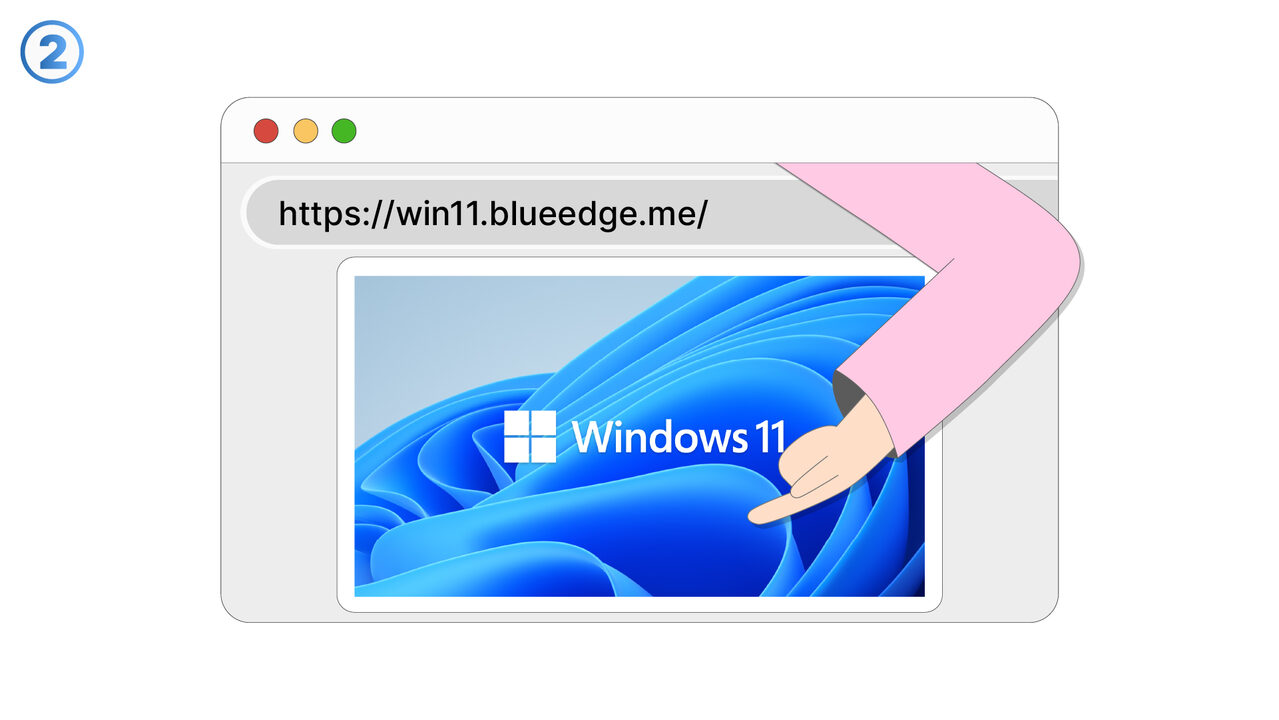
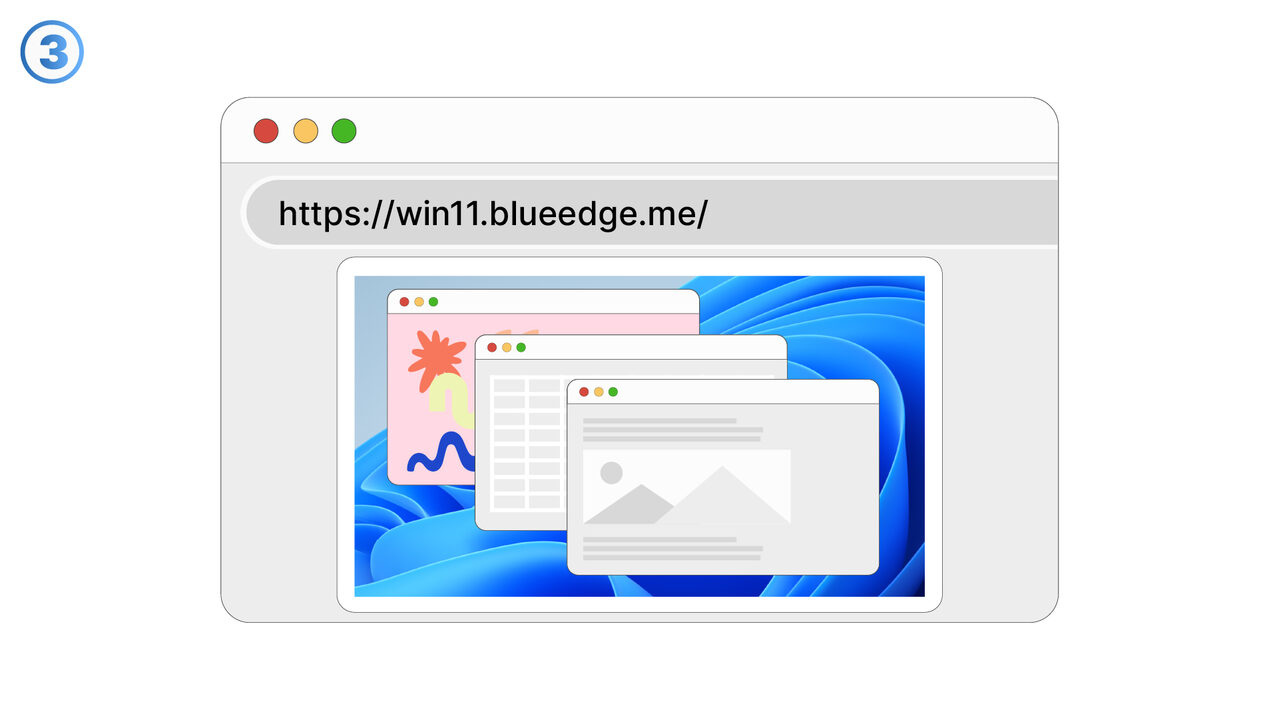
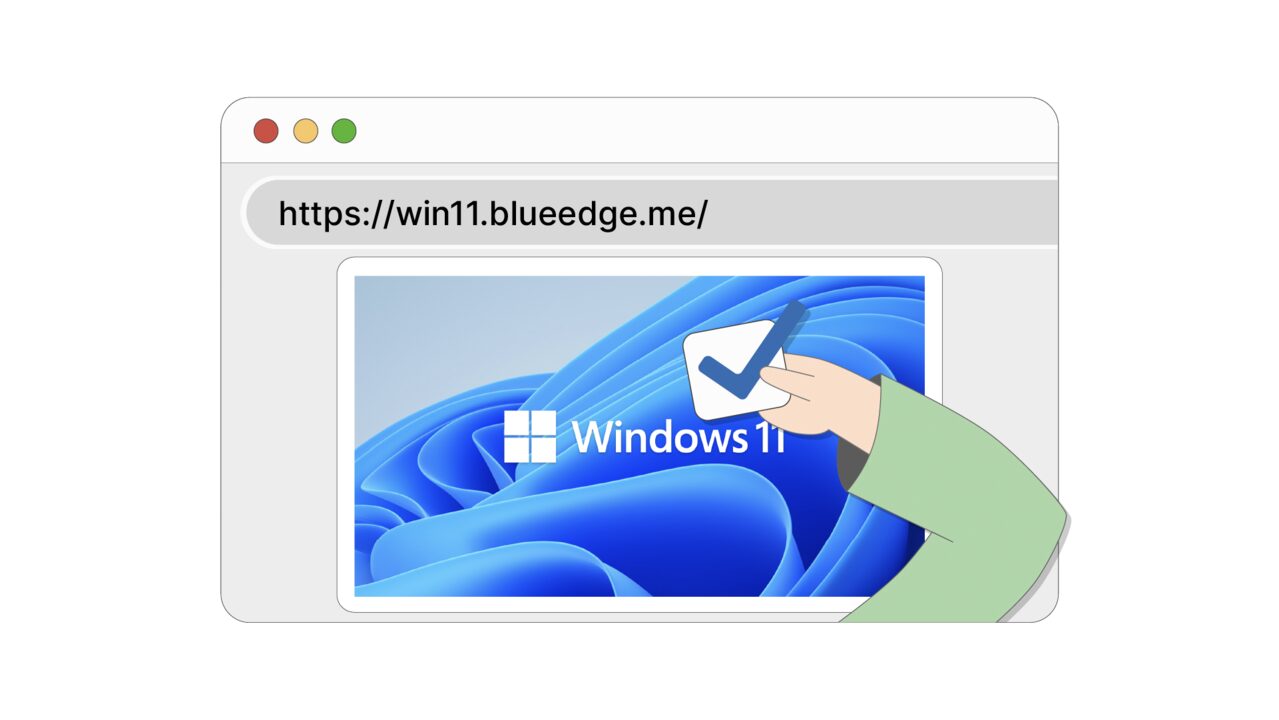
The tool "Windows 11 in the browser" provides the perfect solution for this. It allows users to explore a virtual and interactive representation of Windows 11 without actually having to install the operating system. With this tool, you can quickly and easily get to know all the new features like the start menu, the taskbar, and the file explorer. Due to the browser-based environment, there's no installation effort or additional resource consumption. Additionally, the tool is designed to be intuitive and easy to navigate, providing an ideal first insight into Windows 11 and its features. It's therefore a perfect resource for anyone who wants to get familiar with the new operating system efficiently and without any complications. All that's required is a functioning browser - so anyone, regardless of their technical abilities or resources, can explore the new features of Windows 11.
外部リソース
https://win11.blueedge.me/
以下の問題の解決策としてこのツールをご活用ください
- I need a way to familiarize myself with the interface of Windows 11 before I install the operating system.
- I have difficulties using the new start menu, the taskbar, and the file explorer of Windows 11.
- I want to get to know the new Windows 11 without having to install it directly.
- I want to familiarize myself with the user interface of Windows 11, without having to install it.
- I want to test the features of Windows 11 on my current operating system before I install it.
- I want to familiarize myself with the features of Windows 11 without having to install it immediately.
- I need to familiarize myself with the new features of Windows 11 without installing the software.
- I would like to review the functions of Windows 11, but I don't have a suitable device for it.
- I need a way to test the new Windows 11 interface without having to install it.
より良い解決策をご存知ですか? お知らせください。
まだ取り上げていない問題を解決できるツールやアプローチをご存知でしたら、ぜひお知らせください。