問題
Due to the ongoing development of technology and software, I may encounter difficulties opening files in old or outdated formats. This can occur, for example, when I need to access older documents, images, videos, or audio files that were created in formats no longer supported by my current software. This can involve various file formats, as each software or hardware company often develops their own formats. This sometimes makes it difficult or even impossible to open these files, especially if the original software no longer exists or is outdated. Therefore, I need a conversion tool that supports a variety of old and current file formats and is capable of converting them into a modern, commonly used format that can be read by my current software.
スクリーンショット
解決策
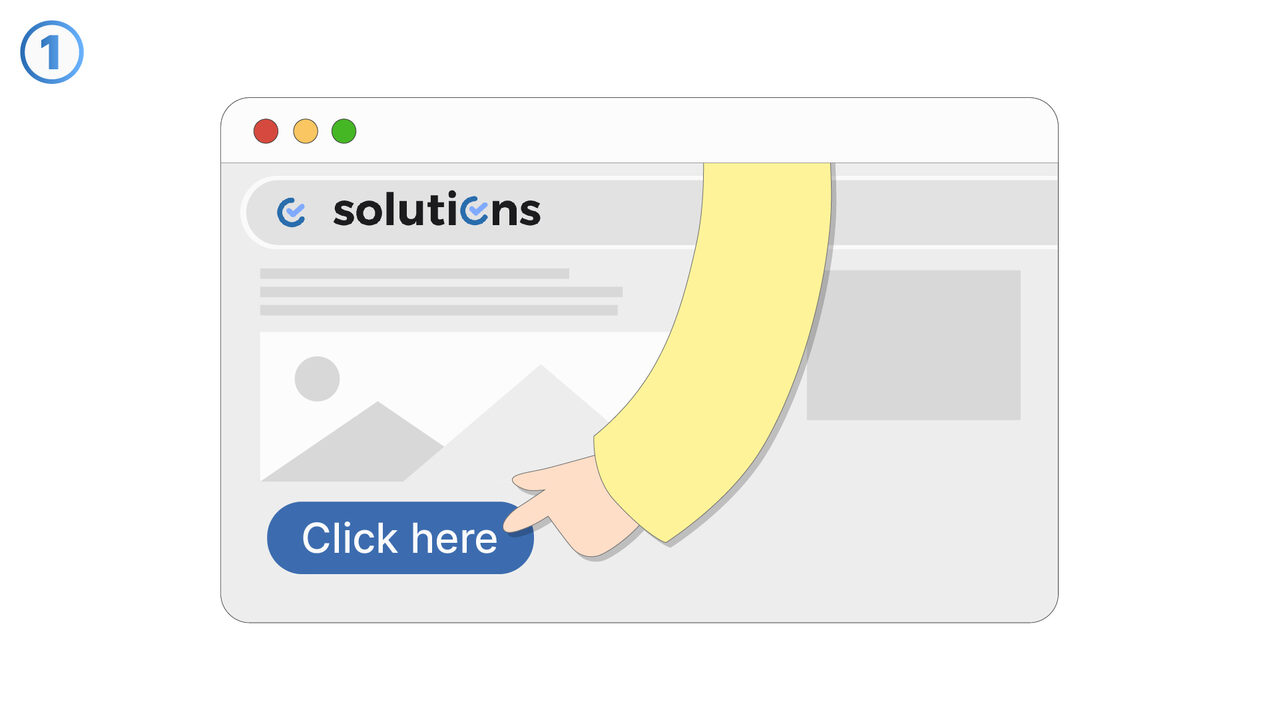
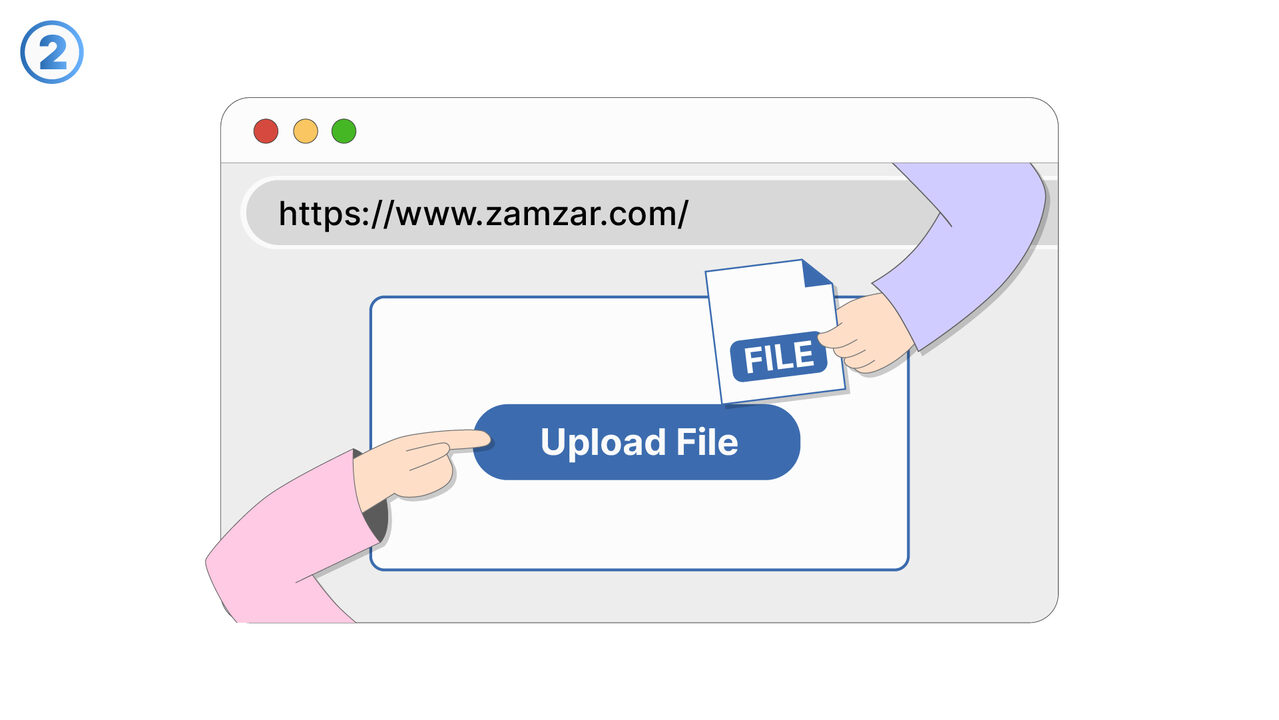
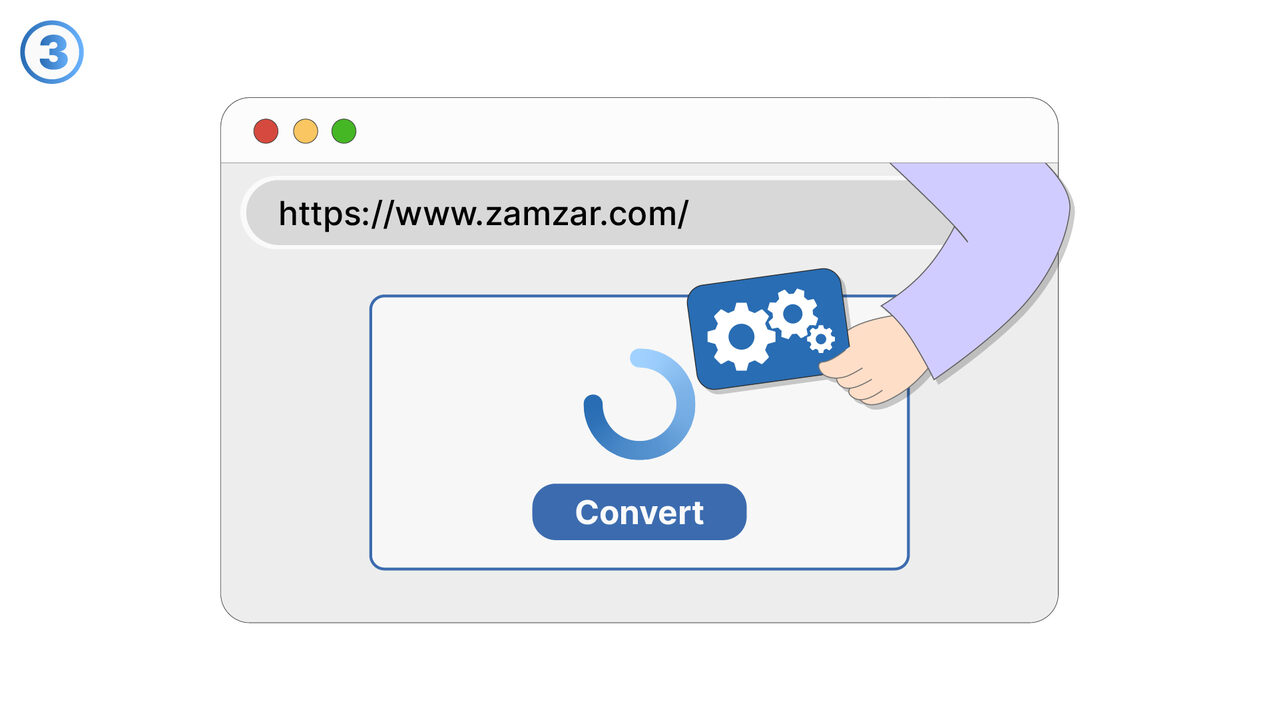
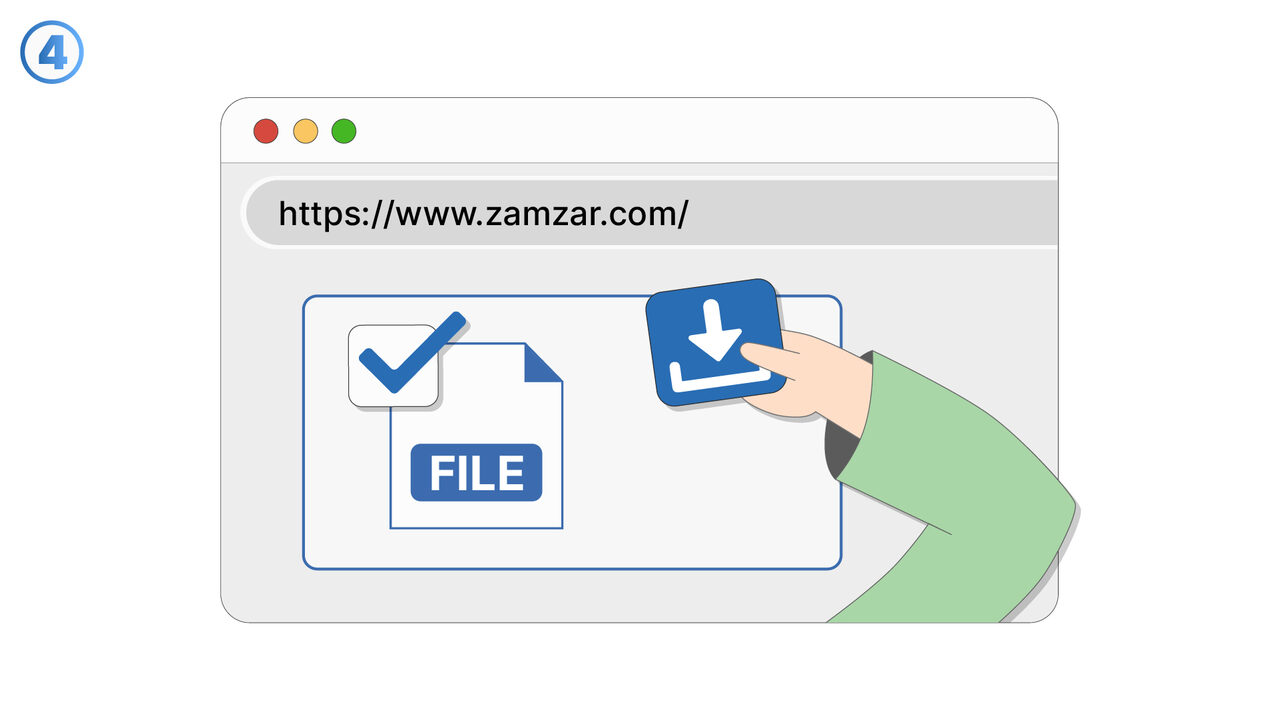
With Zamzar, you can easily convert files in old or outdated formats. The web-based tool supports a variety of file formats and can reliably convert them into modern, common formats. The conversion is done with state-of-the-art cloud technology, meaning you do not have to install any additional software. Once the conversion is complete, the files can be downloaded directly to your device. Thanks to the tool's user-friendly interface, anyone, whether a professional or a beginner, can easily convert their files. With Zamzar, you can effortlessly create compatibility between old file types and current software. It is therefore the perfect solution for all formatting and compatibility issues.
外部リソース
http://www.zamzar.com
以下の問題の解決策としてこのツールをご活用ください
- I have trouble converting my files into compatible formats.
- I need an online solution to quickly and precisely convert different file formats without having to install any software.
- I have problems with the size restrictions of email attachments and need a solution that converts files.
- I am having trouble sharing files in different formats for others.
- I need to convert a document into a PDF file.
- I am having trouble converting a video for different platforms.
- I need to convert images into a format suitable for emails.
- I need to convert music files for use on different devices.
- I need to convert a PDF file into an editable format.
より良い解決策をご存知ですか? お知らせください。
まだ取り上げていない問題を解決できるツールやアプローチをご存知でしたら、ぜひお知らせください。