I need a tool that improves the visibility of my website and optimizes its structure for search engines.
Solved by XML-Sitemaps.com
The Problem
The hoped-for improvement of a website's visibility presents a problematic challenge for many, especially considering the steadily increasing number of websites. This competition can result in websites without appropriate search engine optimization (SEO) being left behind and not reaching the people they should be reaching. Furthermore, the creation and upkeep of sitemaps require technical knowledge not all website operators possess. Another problem is the correct indexing of a website's content, as without it the website becomes harder to find in search engines. Therefore, there is a need for an easy-to-use tool that allows for sitemap creation, effectively indexes the website content for search engines, and thus improves the visibility of the website.
Screenshots
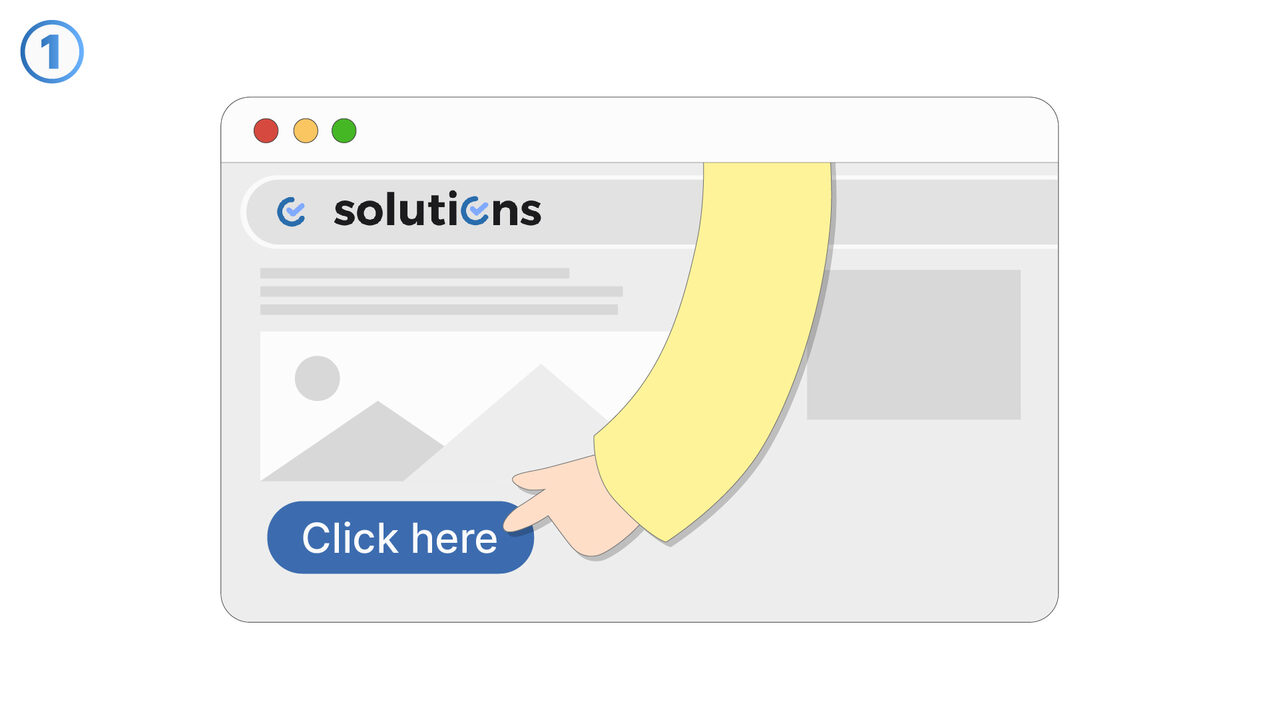
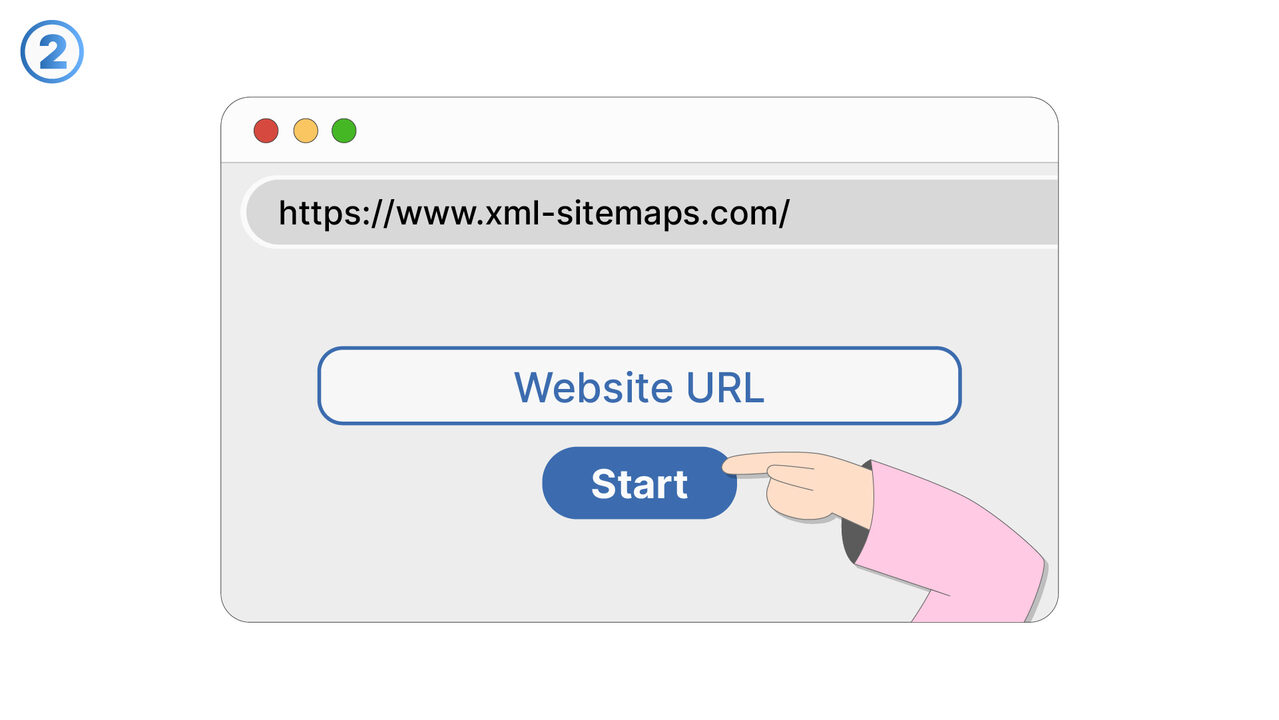
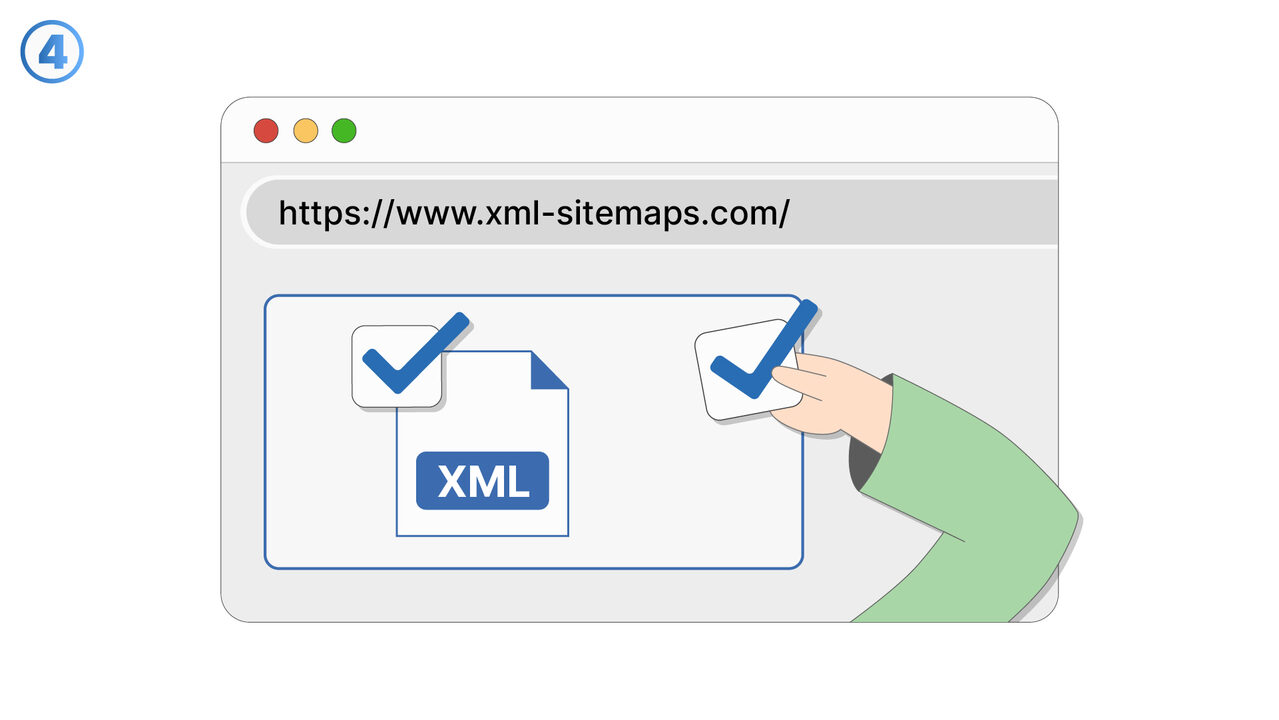
The Solution
The tool XML-Sitemaps.com offers a straightforward and effective solution for the mentioned problems. It generates simple and fast sitemaps in various formats, which can subsequently be submitted to search engines like Google, Yahoo, and Bing. These sitemaps enhance the search engines' understanding of the website structure, leading to greater visibility. In addition, the tool indexes all pages and contents of a website, ensuring no page is overlooked and the website becomes more findable. Its simple operation requires no extensive technical knowledge. Improved indexing and the generated sitemaps contribute to increased web presence, better SEO ranking, and ultimately, greater reach. XML-Sitemaps.com is therefore a valuable tool to stand out in the crowded digital market.
External Resource
https://www.xml-sitemaps.com/
Use this tool as a solution to the following problems
- I am having trouble making my website visible to search engines and need a simple tool that indexes all my pages and creates sitemaps.
- I have problems making the structure of my website understandable for search engines.
- 'I have problems with Google, Yahoo or Bing not indexing my website pages.'
- I have trouble managing updates effectively on my website.
- I have problems improving my SEO ranking and achieving effective indexing of my website.
- I can't manage to generate enough traffic for my website.
- I am having trouble effectively presenting the structure of my website.
- I am having trouble effectively crawling and indexing my website for search engines.
- I'm struggling with optimizing my website content appropriately for search engines.
Know a better solution? Let us know.
If you know of a tool or approach that could help people solve a problem we haven't covered yet, we'd love to hear about it.