問題
As a user of Google Earth Studio, I encounter difficulties in creating compelling and engaging virtual tours. The problems range from difficulties in choosing the right camera angles and movements to ambiguities in editing geographic data. Structuring and presenting a given tour also seems to be challenging, as I often do not know how to ensure a smooth and natural progression of the tour. I also lack knowledge on how to properly use the high-end rendering features of the tool to create high-quality and visually impressive videos. Furthermore, I find it problematic to integrate Google Earth Studio efficiently into my existing post-production workflow.
スクリーンショット
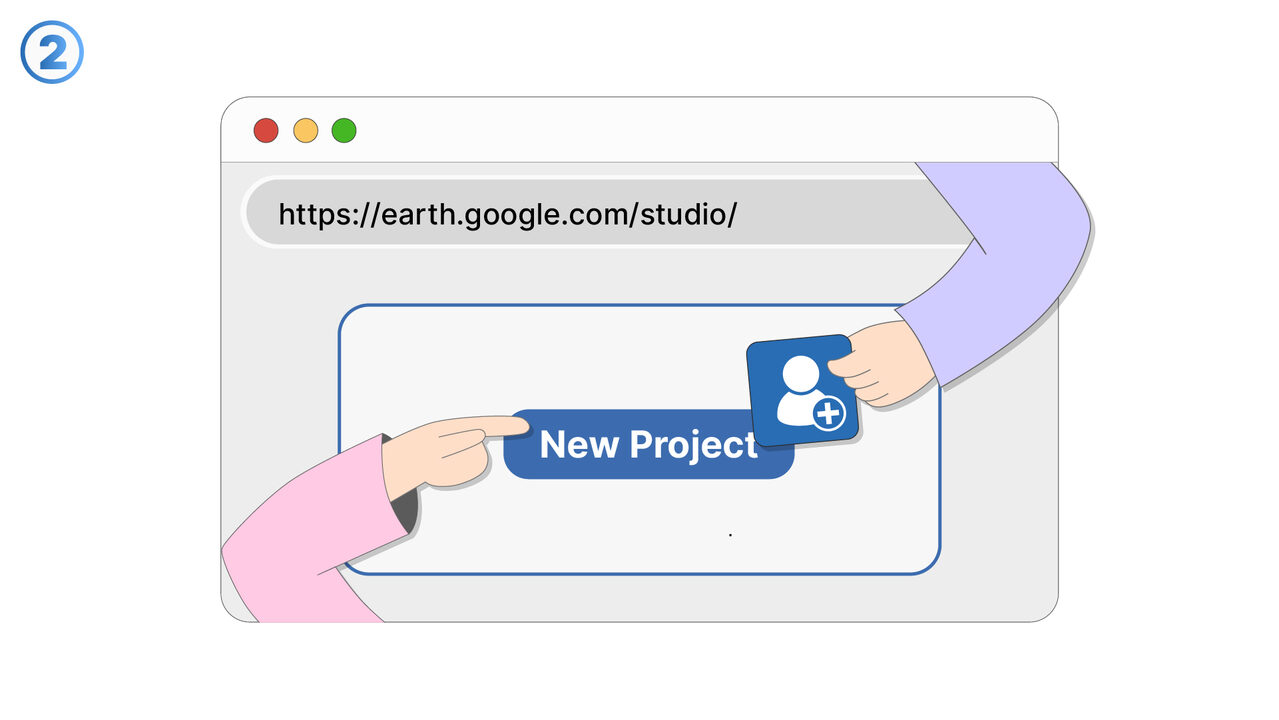
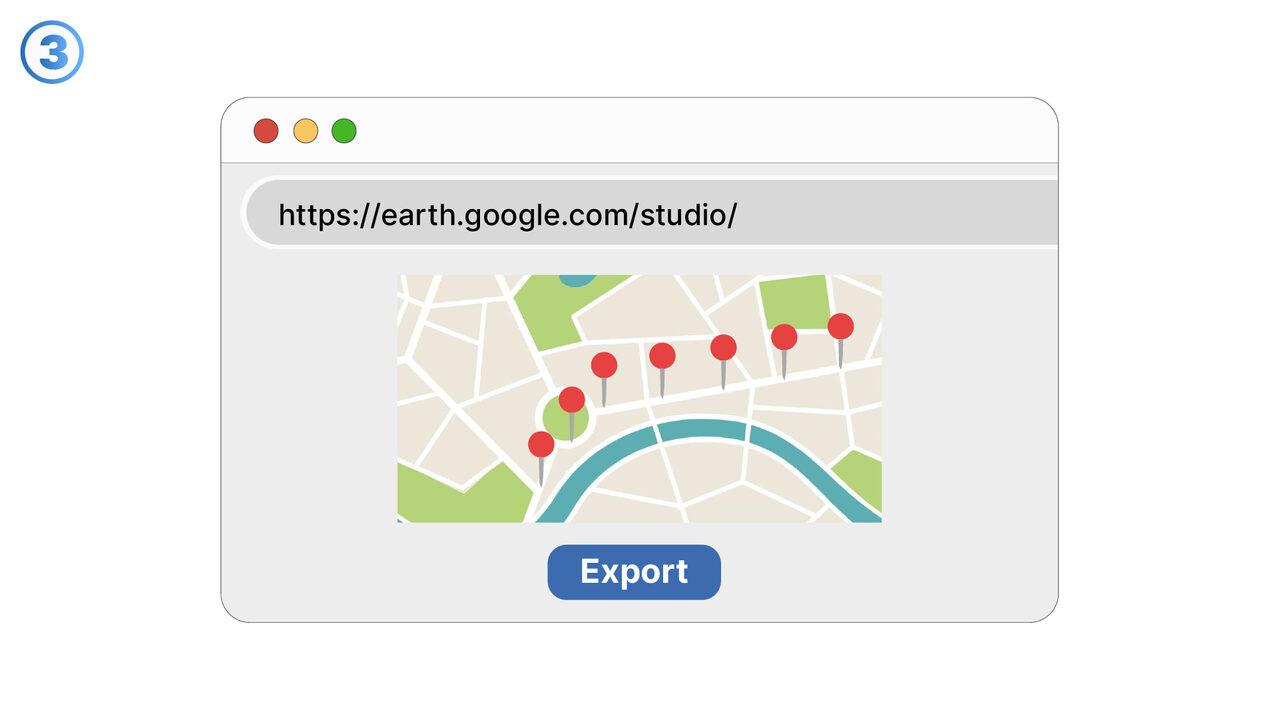
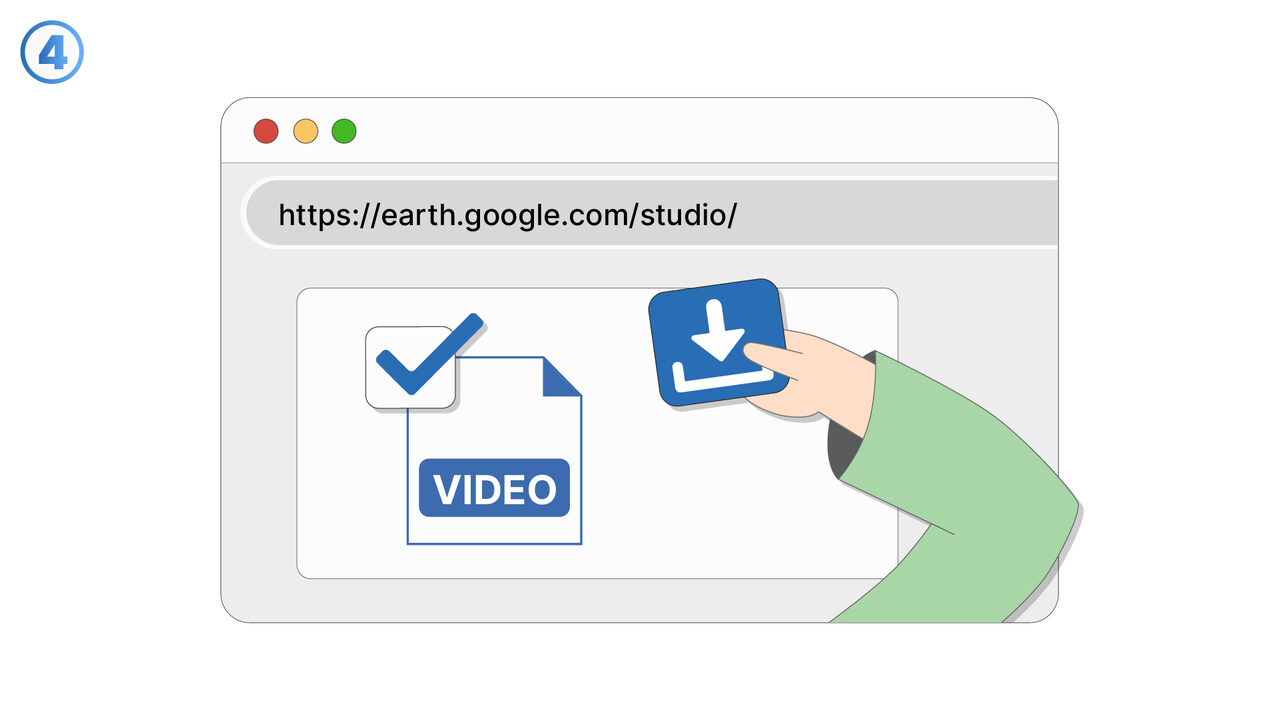
解決策
Google Earth Studio offers an intuitive user interface that assists in selecting the optimal camera angles and movements. Specific tutorials and guides are available to reduce the complexity of editing geographical data. With advanced tools within the system, users can create a natural flow structure for tours. The high-end rendering features are easily accessible and well documented to teach users how to create impressive and high-quality videos. Additionally, Google Earth Studio offers seamless integration with most video production tools, optimizing existing post-production workflows. The entire functionality is directly accessible via the web browser, so no installations are required.
外部リソース
https://earth.google.com/studio/
以下の問題の解決策としてこのツールをご活用ください
- I have problems creating videos that are based on geographical data.
- I need a tool to use high-quality 3D images for geographical storytelling in my videos.
- I am having problems with the simulation of traffic flows with Google Earth Studio.
- I am having difficulties integrating geographic productions seamlessly into my usual production tools.
- I need a program to map complex geographical data in detail.
- I have trouble controlling the camera angles in my 3D graphics.
- I can't export 3D graphic videos with Google Earth Studio.
- I'm having trouble creating videos with high-resolution graphics in Google Earth Studio.
- I am having trouble visualizing geographical data in 3D.
より良い解決策をご存知ですか? お知らせください。
まだ取り上げていない問題を解決できるツールやアプローチをご存知でしたら、ぜひお知らせください。