PDF Management Solution

I need to add page numbers to a PDF document.

Solved by PDFにページ番号を追加する

The Problem

Many PDF documents do not contain page numbers, which affects the structure and clarity. Especially in academic and professional environments, where quick referencing and citation are essential, the absence of page numbers can be problematic. Users often face the challenge of quickly finding and referencing important information in extensive documents without a clear page structure as a guide. This can particularly lead to delays when preparing presentations or citing sources in research work.

Screenshots

Screenshot 1
/ 4
Screenshot 1

The Solution

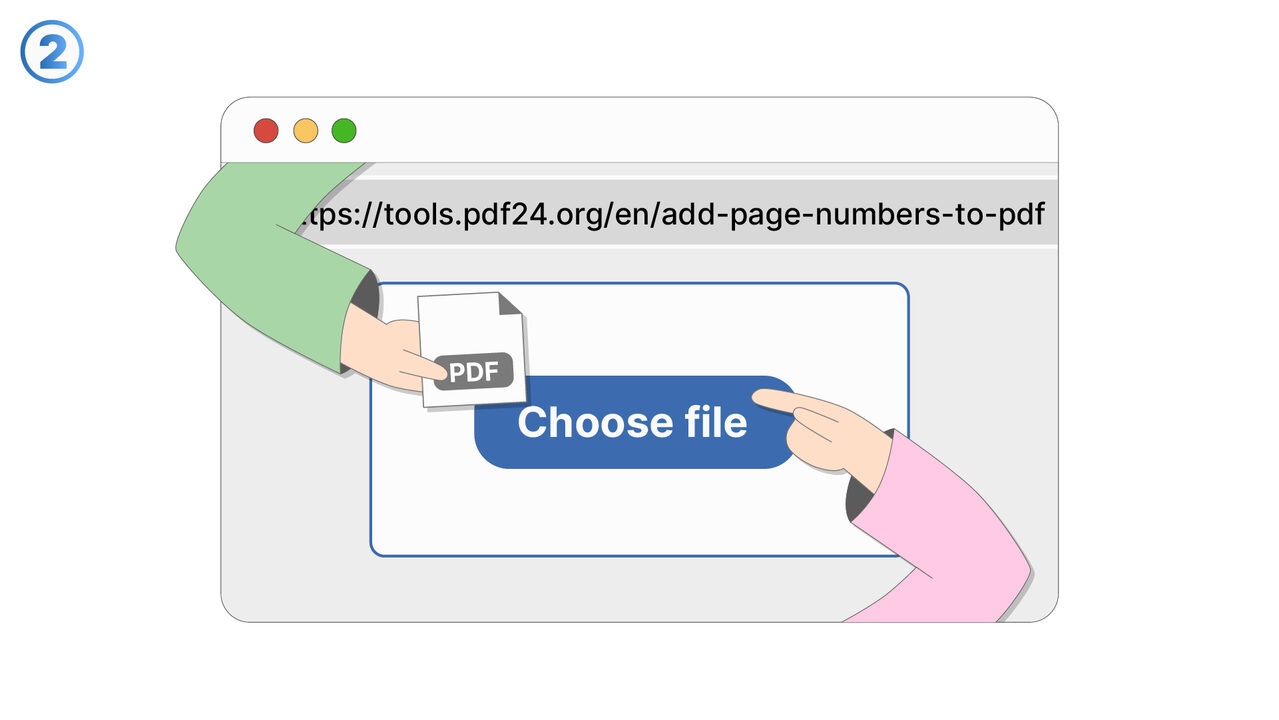
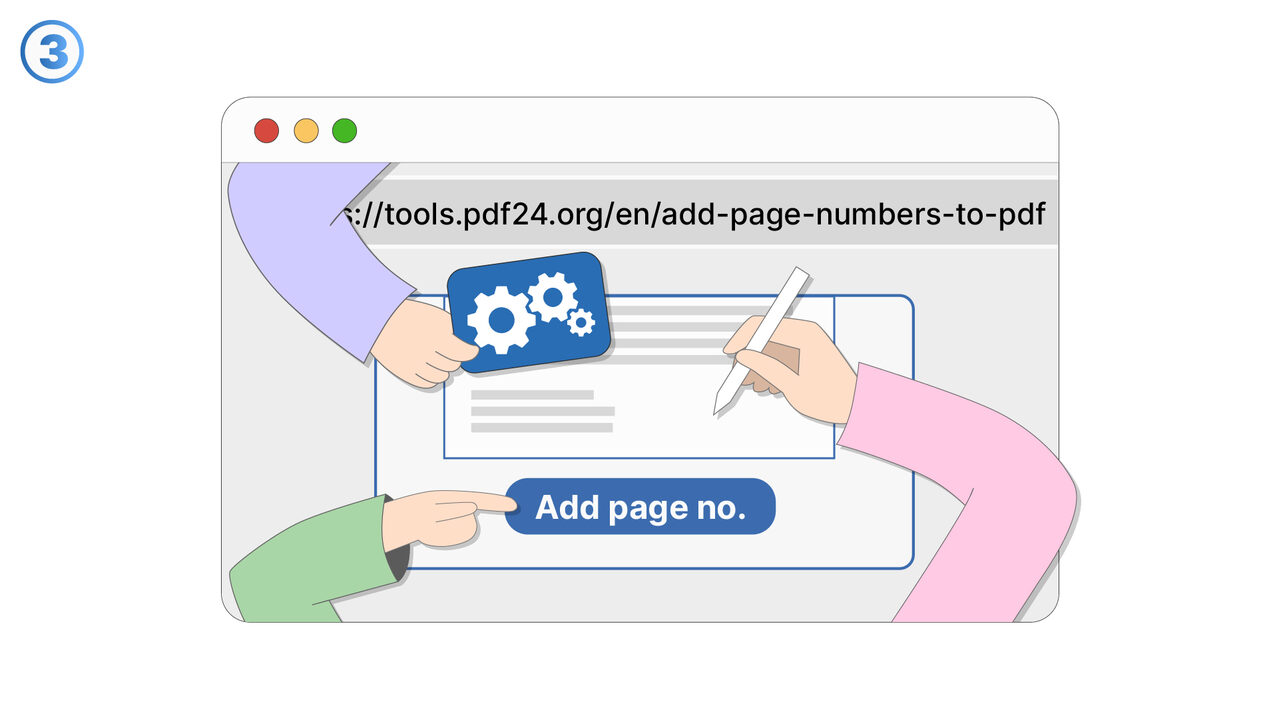
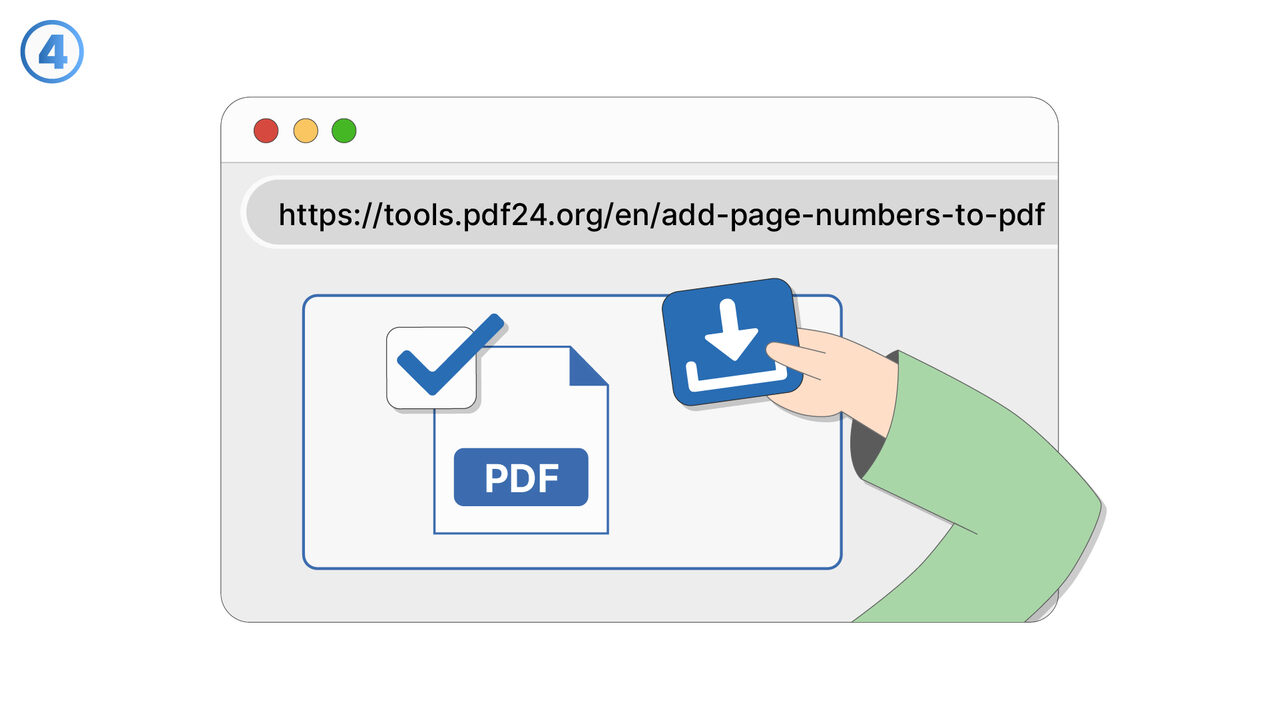
The tool "Add page numbers to PDF" from PDF24 offers a simple and efficient solution to this problem. Users can upload their PDF file on the platform and then choose the desired position for the page numbers, whether it's at the top, bottom, left or right margin of the page. Subsequently, they can select on which pages the numbers should appear, which is particularly useful if title pages or tables of contents should be omitted. With a simple click on "Add page numbers", the edited PDF is provided with clearly defined page numbers, which significantly improves the structure and clarity of the document.

External Resource

https://tools.pdf24.org/en/add-page-numbers-to-pdf

解決策へ進む
AI搭載ディレクトリ

Know a better solution? お知らせください。

If you know of a tool or approach that could help people solve a problem we haven't covered yet, we'd love to hear about it.

数千人のプロフェッショナルを支援
48時間以内にレビュー
コントリビューターとしてクレジット取得
すべてのツールを見る