In extensive PDF documents without page numbers, it is a challenge to quickly find specific sections or information. This can particularly lead to frustration in situations where quick access to information is required, such as during meetings, lectures, or while studying. Browsing through a long document in search of a specific point without clear references can be time-consuming and inefficient, significantly affecting productivity and increasing the risk of misinterpretation when content is incorrectly assigned.
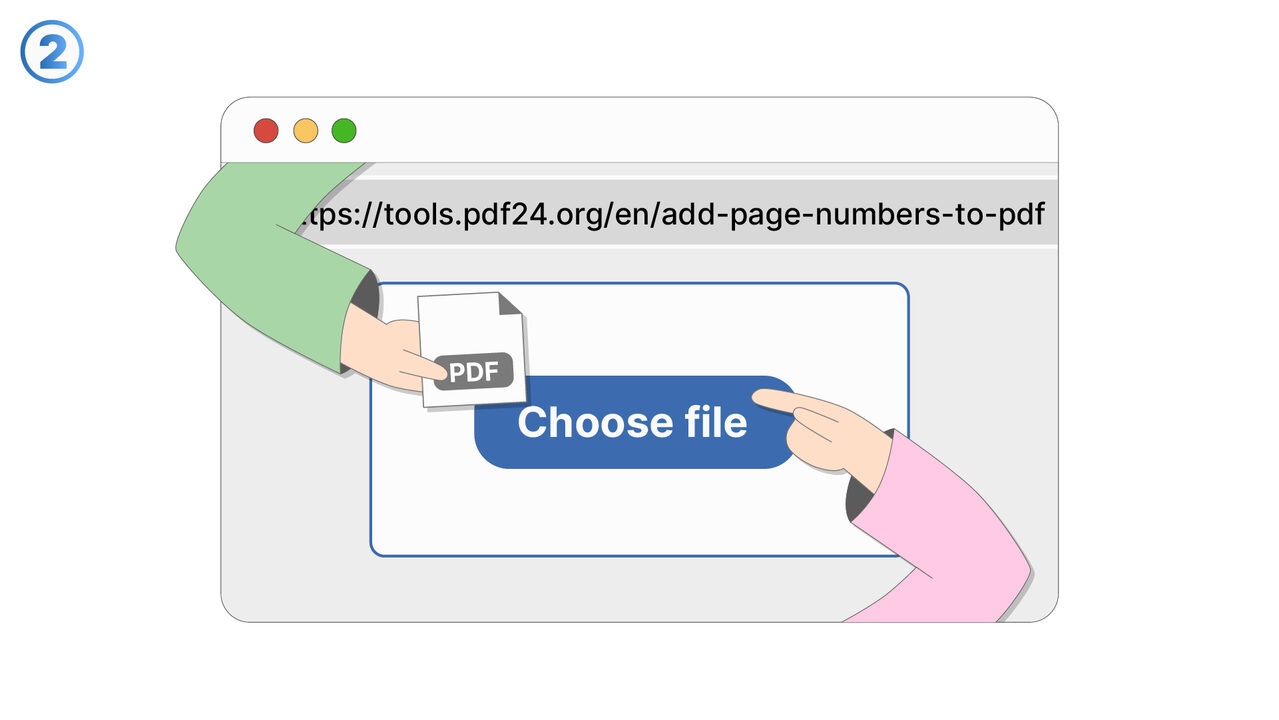
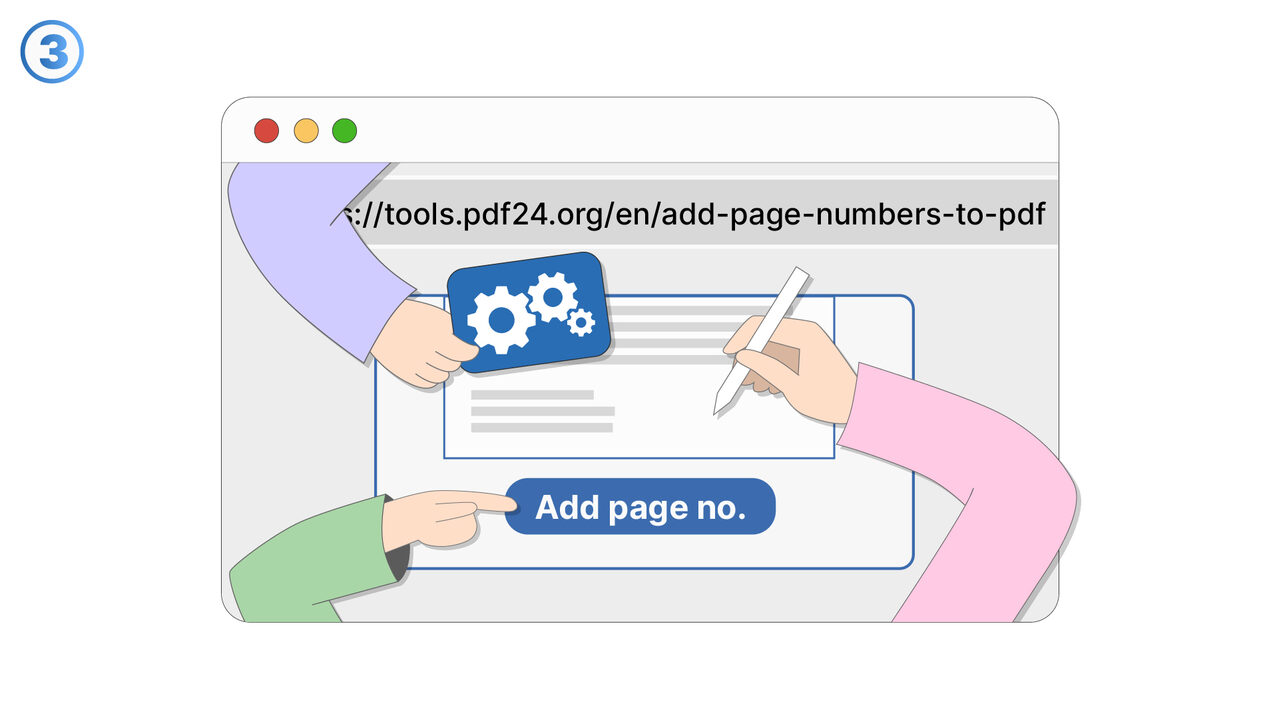
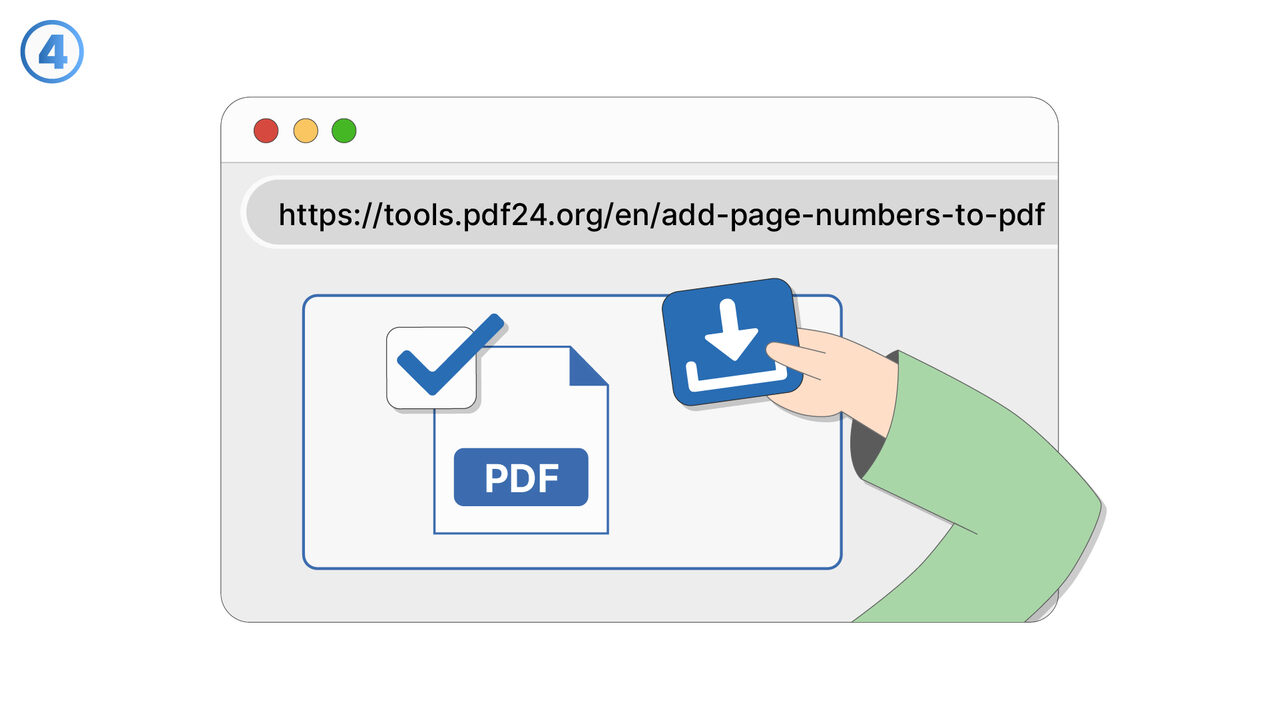
The online tool from PDF24 allows users to effectively address this issue by providing an intuitive interface to add page numbers. After uploading the PDF, users can choose specific settings such as the numbering format and the starting number, which is particularly useful for maintaining continuity in document sections. The ability to strategically place page numbers not only improves navigation within the document, but also allows for precise referencing and citation, simplifying communication and information exchange.
外部リソース
https://tools.pdf24.org/en/add-page-numbers-to-pdf
まだ取り上げていない問題を解決できるツールやアプローチをご存知でしたら、ぜひお知らせください。
すべての投稿を読んでいます
ツールが不足している、不具合がある、またはその他のフィードバックはありますか?ぜひお聞かせください。
48時間以内にレビューします