問題
明確な構造やページ番号がない長いPDFドキュメントのナビゲーションは特に煩雑であり、特定の情報の検索を困難にし、ドキュメントを扱う際の効率を低下させます。教育機関、研究機関、企業など、ドキュメントの特定のセクションへの迅速なアクセスが頻繁に求められる場所では、シンプルなナビゲーションオプションの欠如が、大幅な遅延やフラストレーションにつながる可能性があります。
スクリーンショット

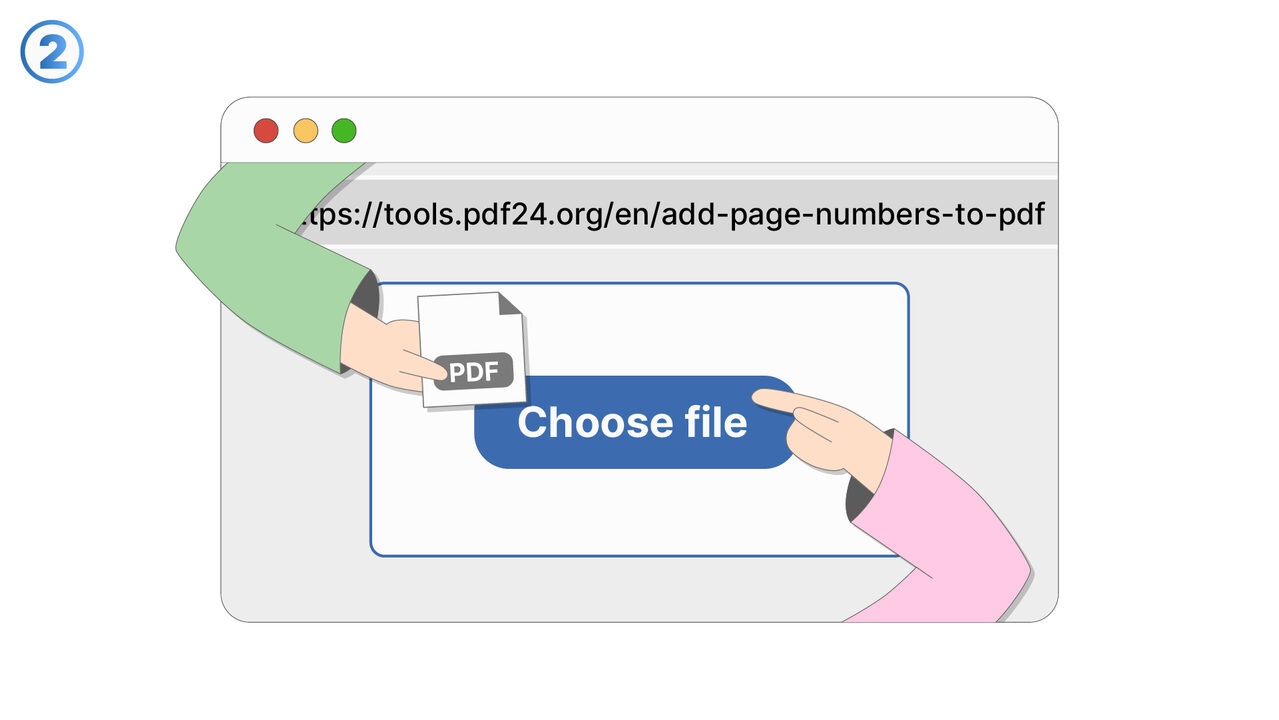
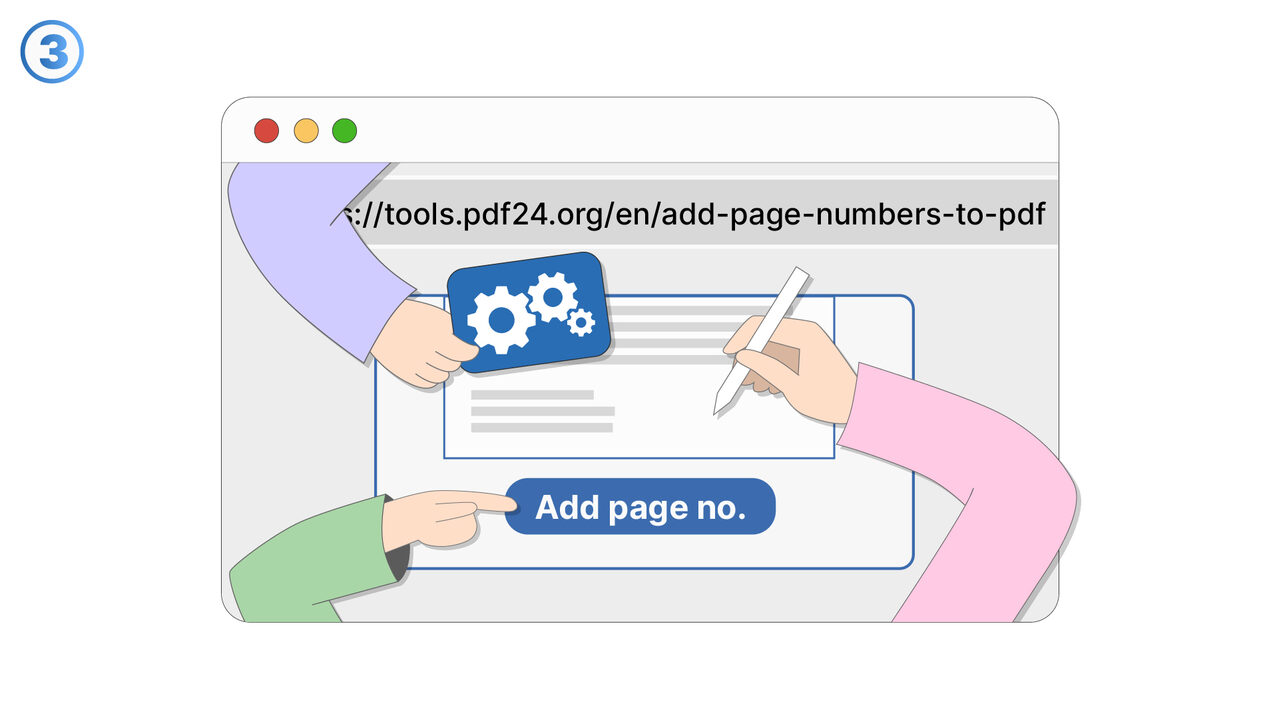
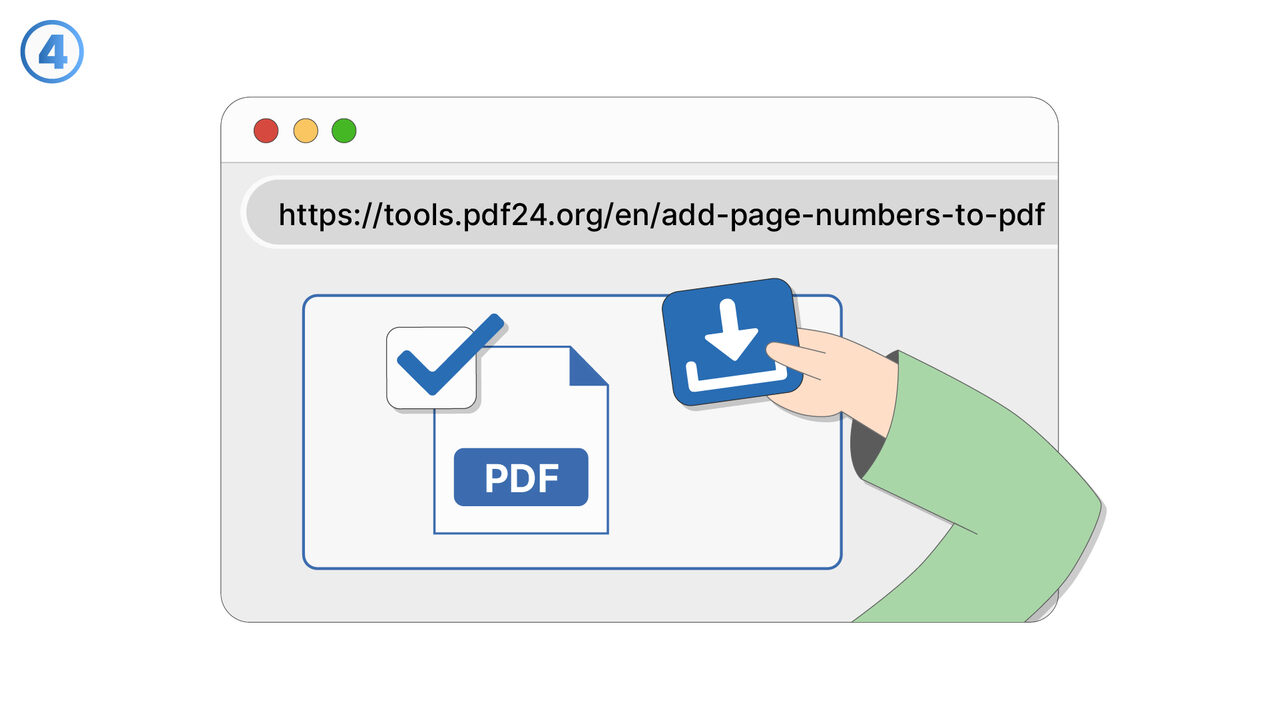
/
4
解決策
PDF24ツールを使用することで、ユーザーはPDFドキュメントのナビゲーションを効果的に改善できます。PDFをツールにアップロードした後、ページ番号をどこにどのように表示するかを選択できるため、ドキュメント内を明確かつシンプルにナビゲートできます。この改善された構造化は、情報を素早く見つけるのに役立つだけでなく、ドキュメント内の移動も容易にするため、特に広範囲または複雑なPDFを扱う場合に非常に有利です。
外部リソース
https://tools.pdf24.org/en/add-page-numbers-to-pdf
AI搭載ディレクトリ
より良い解決策をご存知ですか? お知らせください。
まだ取り上げていない問題を解決できるツールやアプローチをご存知でしたら、ぜひお知らせください。
数千人のプロフェッショナルを支援
48時間以内にレビュー
コントリビューターとしてクレジット取得